Business Crypto Card Spending Controls and Approvals
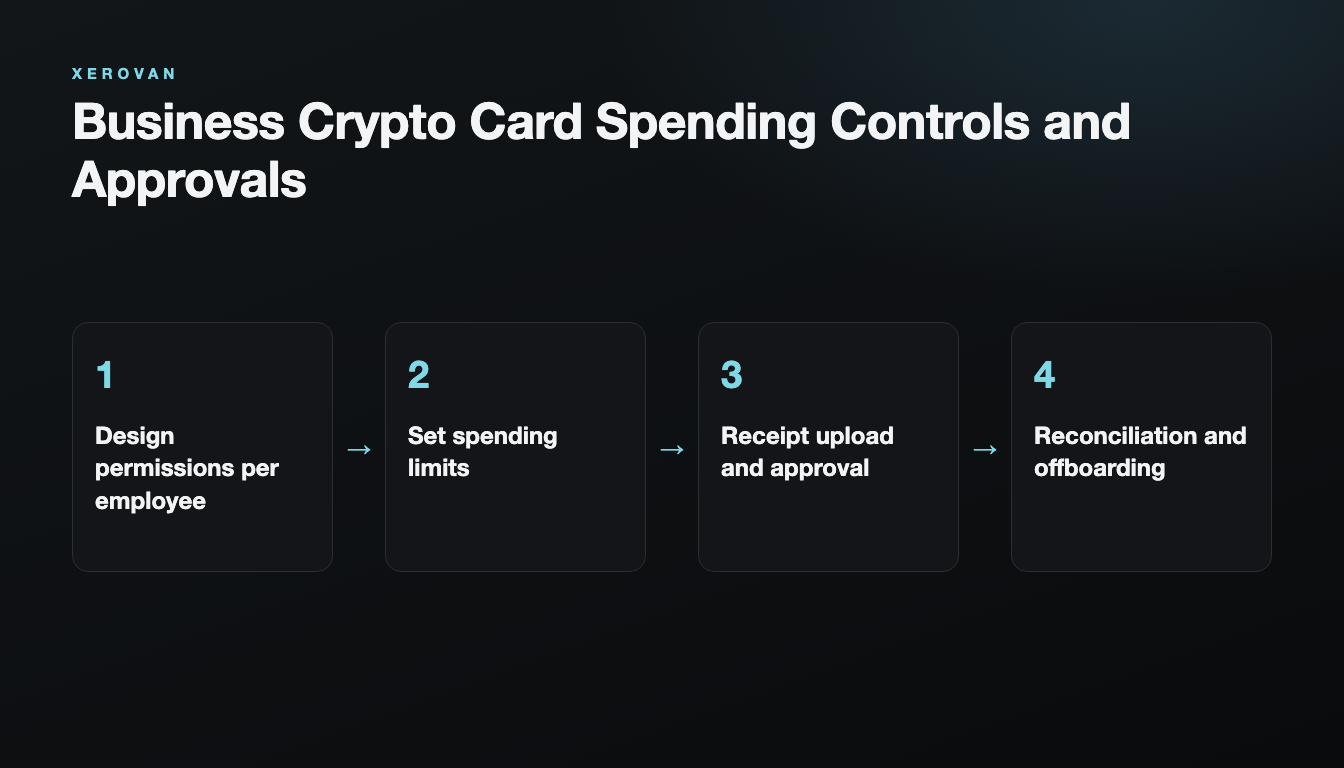
Handing cards to employees makes paying easier, but without permissions and records it becomes hard to manage. Spending control starts with separating roles.
Design permissions per employee
Separating card users, team managers, finance approvers and auditors makes internal controls clear.
Set spending limits
Adjust limits to each role, project budget and how often people pay. If you use card sharing, you should be able to see who approved which transaction.
Receipt upload and approval
When an employee uploads a receipt for a payment in the app, the fund manager reviews whether the transaction is appropriate and approves or rejects it. When a receipt is rejected, you can set the card to be frozen for a set period.
Reconciliation and offboarding
Collect receipts and the purpose of each purchase, and revoke access as soon as an employee’s role changes.
FAQ
Do we need a separate card for each employee?
It is not required, but separate cards make it easier to manage limits and transactions per person and per project.
For transaction records, see Managing Crypto Card Receipts and Expenses.
Note: This article is general information, not financial or legal advice. Xerovan is not a bank; card and payment services are provided by licensed partners. Availability and fees vary by country, and merchants and issuers decide whether to approve a payment. Digital assets involve risks, including price volatility, network disruptions and possible loss of funds.