Managing Crypto Card Receipts and Expenses
A card statement shows the amount and the merchant, but not why the purchase was made. Setting recording rules before transactions pile up makes reconciliation easier.
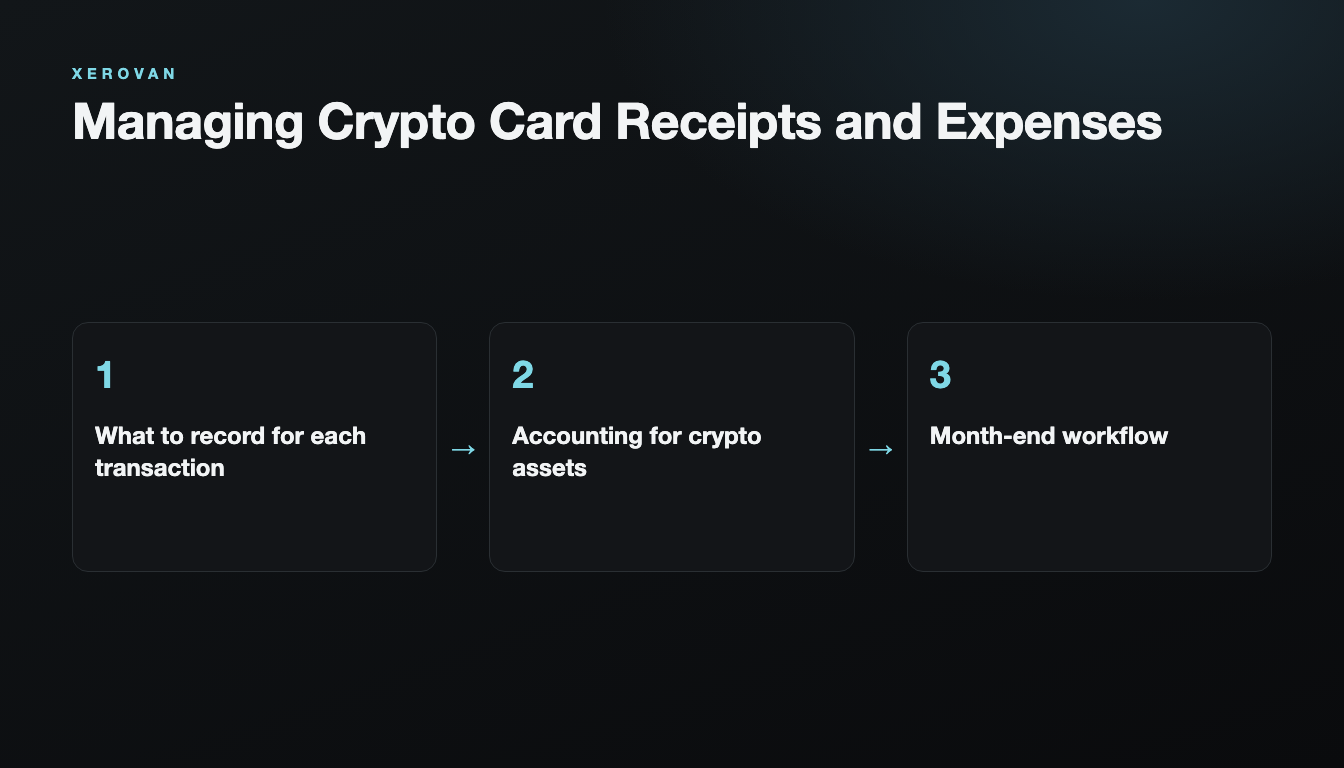
What to record for each transaction
- Time, currency and amount
- Merchant and purpose of the purchase
- Project or client
- Person responsible and approver
- Receipt
- If paid with crypto, the converted value at the time
Accounting for crypto assets
If crypto assets were converted, record the time and the converted value. Treatment differs by country, so check with your accountant.
Month-end workflow
Upload receipts right after paying, check for missing items weekly, and match everything against the card statement at month-end.
Managing it in Xerovan
In the Xerovan app, employees upload receipts, managers approve or reject transactions, and you can set limits per card.
Note: This article is general information, not financial or legal advice. Xerovan is not a bank; card and payment services are provided by licensed partners. Availability and fees vary by country, and merchants and issuers decide whether to approve a payment. Digital assets involve risks, including price volatility, network disruptions and possible loss of funds.