3D Secure Authentication and Online Card Security
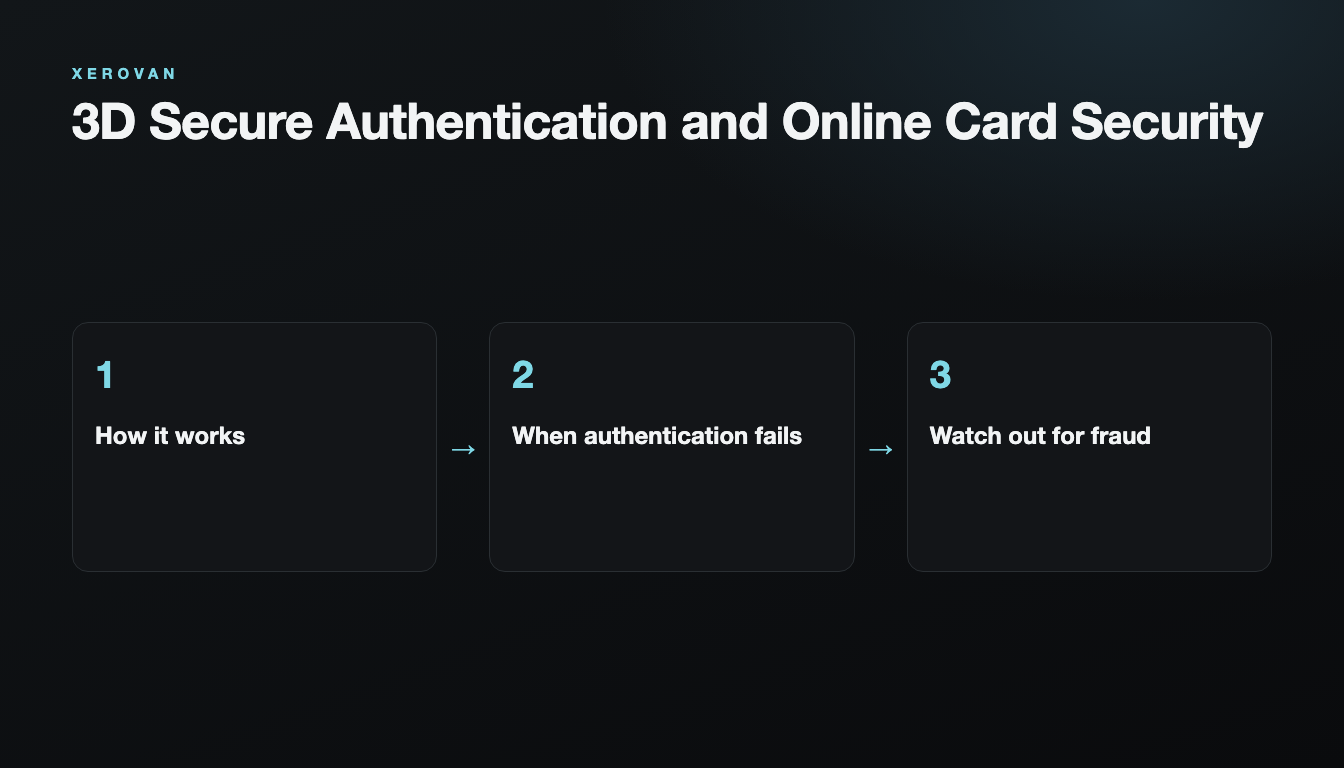
If an online checkout asked you to confirm in an app or with a text message code, that was most likely 3D Secure. It makes it much harder for someone else to pay with your card, even if your card number leaks.
How it works
When a merchant requests a payment, the issuer assesses the risk of the transaction. Low-risk payments are approved right away; otherwise you are asked to confirm in the app or by text message.
When authentication fails
- Check that app notifications are turned on.
- Check that your registered phone number is correct.
- Make sure your network connection is stable.
- If the time limit has passed, start the payment again from the beginning.
Watch out for fraud
If you get an authentication request for a payment you did not make, do not approve it. Someone may be using your card details, so freeze the card and contact support. Never share an authentication code with anyone.
For more on what to do, see Crypto Card Security and Preventing Unauthorized Payments.
Note: This article is general information, not financial or legal advice. Xerovan is not a bank; card and payment services are provided by licensed partners. Availability and fees vary by country, and merchants and issuers decide whether to approve a payment. Digital assets involve risks, including price volatility, network disruptions and possible loss of funds.