Virtual Cards for Meta Ads: How to Structure Them per Client
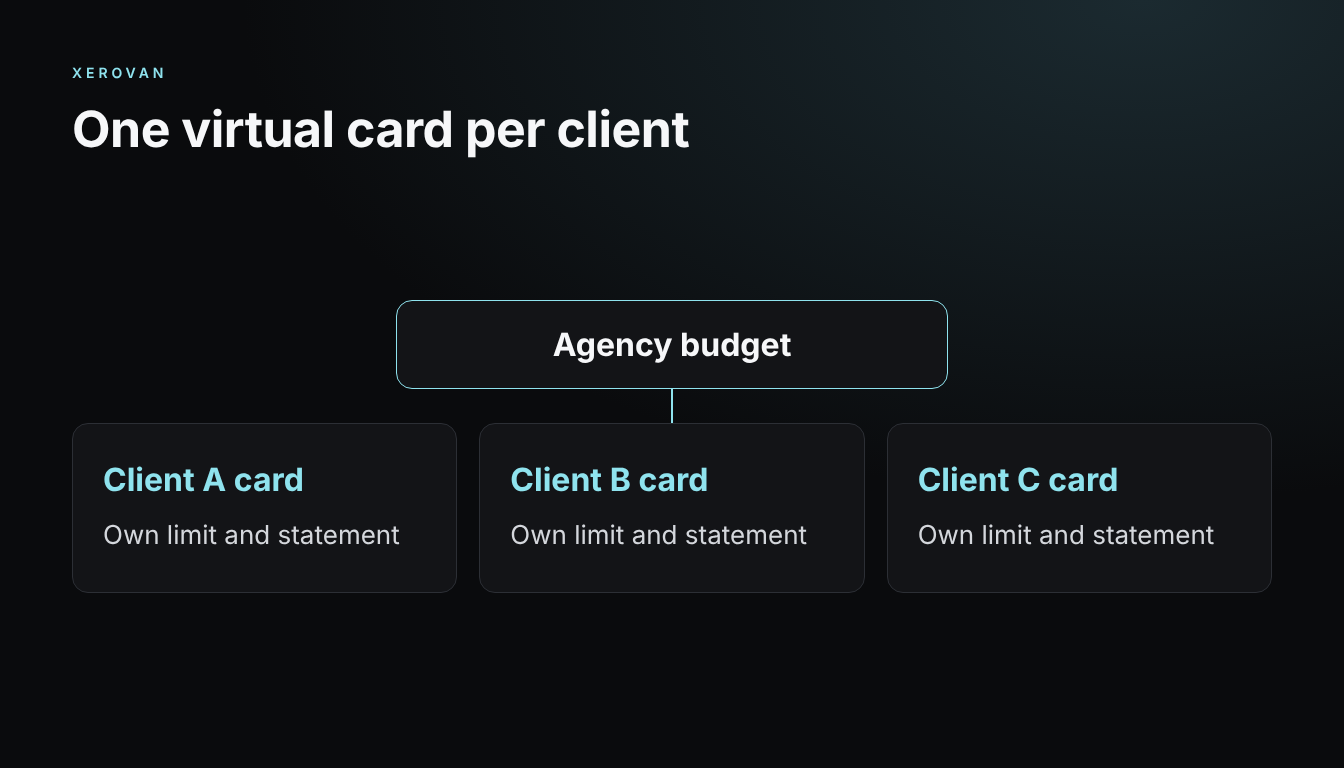
Agencies that pay for many Meta ad accounts need a card setup that stays clear as clients change. A simple structure makes limits and reconciliation easier.
Choose how to split cards
- Per client: the clearest option for rebilling.
- Per campaign: useful for short, fixed budgets.
- Per platform: keeps Meta spend apart from other channels.
Set the rules
Use one naming format, such as client, platform and month. Give each card an owner and a limit above the expected billing threshold, so normal charges aren’t declined.
Reconcile each month
Match each card statement to Meta invoices and client budgets. Freeze cards when a campaign ends, after any final charges have settled.
Stay within the rules
Use only accounts you are authorized to manage. Separate cards are an accounting tool and not a way around Meta’s restrictions. If payments fail, read why Meta payments get declined.
With Xerovan
Xerovan lets you issue virtual Visa cards per client, set limits, freeze cards and collect receipts in one place. See virtual cards for ad spend.
Note: This article is general information, not financial or legal advice. Xerovan is not a bank; card and payment services are provided by licensed partners. Availability and fees vary by country, and merchants and issuers decide whether to approve a payment. Digital assets involve risks, including price volatility, network disruptions and possible loss of funds.