USD Cards vs Local Currency Cards: FX Fees Explained
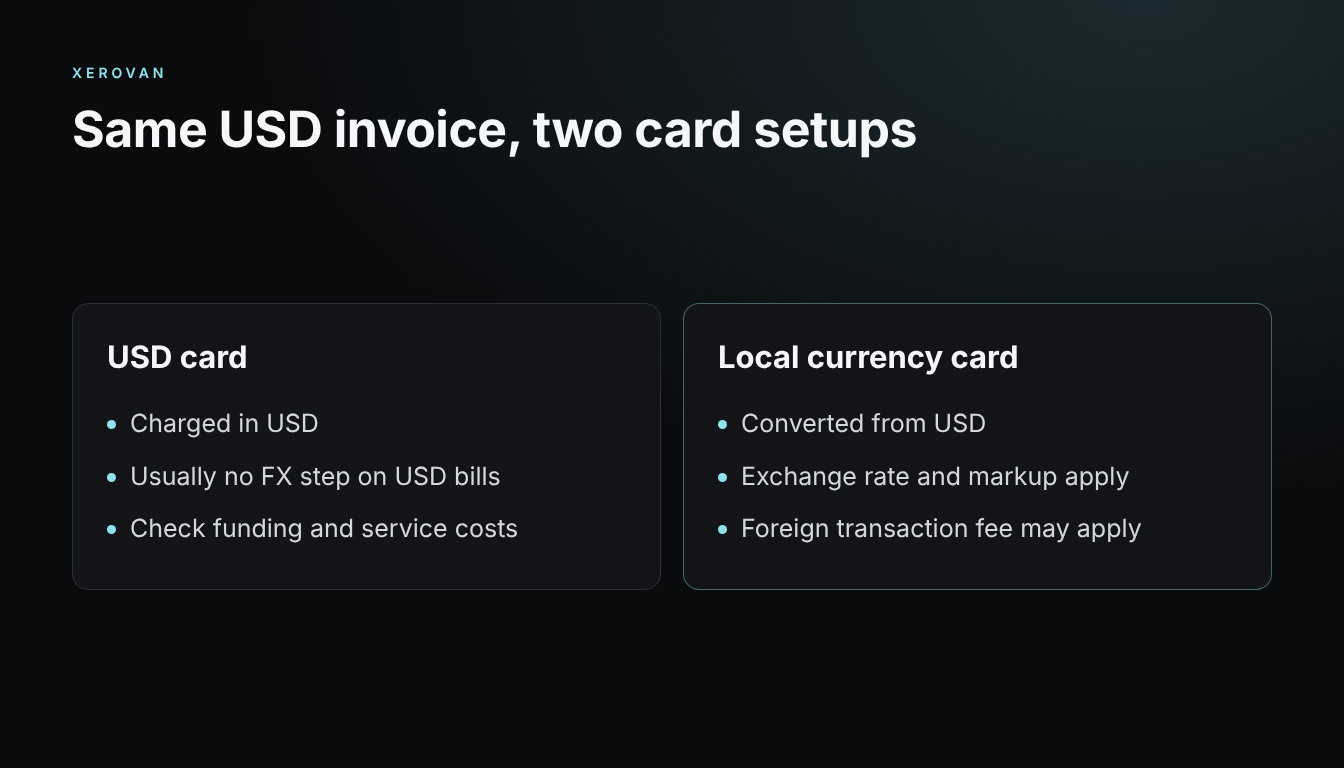
A USD card can remove one conversion step on USD bills, but it doesn’t make every payment free of fees. Compare both options on a real invoice.
Where the costs come from
- FX markup: the difference from the reference exchange rate.
- International fee: can apply even without conversion.
- Card fees: issuance and maintenance.
- Funding costs: converting money or crypto into USD.
Watch out for DCC
Dynamic currency conversion lets a merchant charge you in your home currency. It shows the amount right away, but the rate can be worse. Compare both amounts when you’re offered the choice.
How to compare
- Take the same invoice.
- Find the final amount debited on each card.
- Add funding and card fees for the period.
- Divide by the invoice amount to get the total cost rate.
When a USD card makes sense
It tends to fit if you have regular USD charges, such as ads, SaaS and cloud bills, and can fund it cheaply. If your spending is mostly local, a local card may be simpler.
Xerovan offers a Visa card you can use for USD payments with supported crypto. Fees are shown before each transaction and vary by country. See spend crypto with Visa.
Note: This article is general information, not financial or legal advice. Xerovan is not a bank; card and payment services are provided by licensed partners. Availability and fees vary by country, and merchants and issuers decide whether to approve a payment. Digital assets involve risks, including price volatility, network disruptions and possible loss of funds.