How to Pay for Google Ads with a Crypto Card
Google Ads charges a payment method, not a crypto wallet. To pay with crypto, you add a Visa or other card linked to your crypto as a regular card. Whether it works depends on your account and the card.
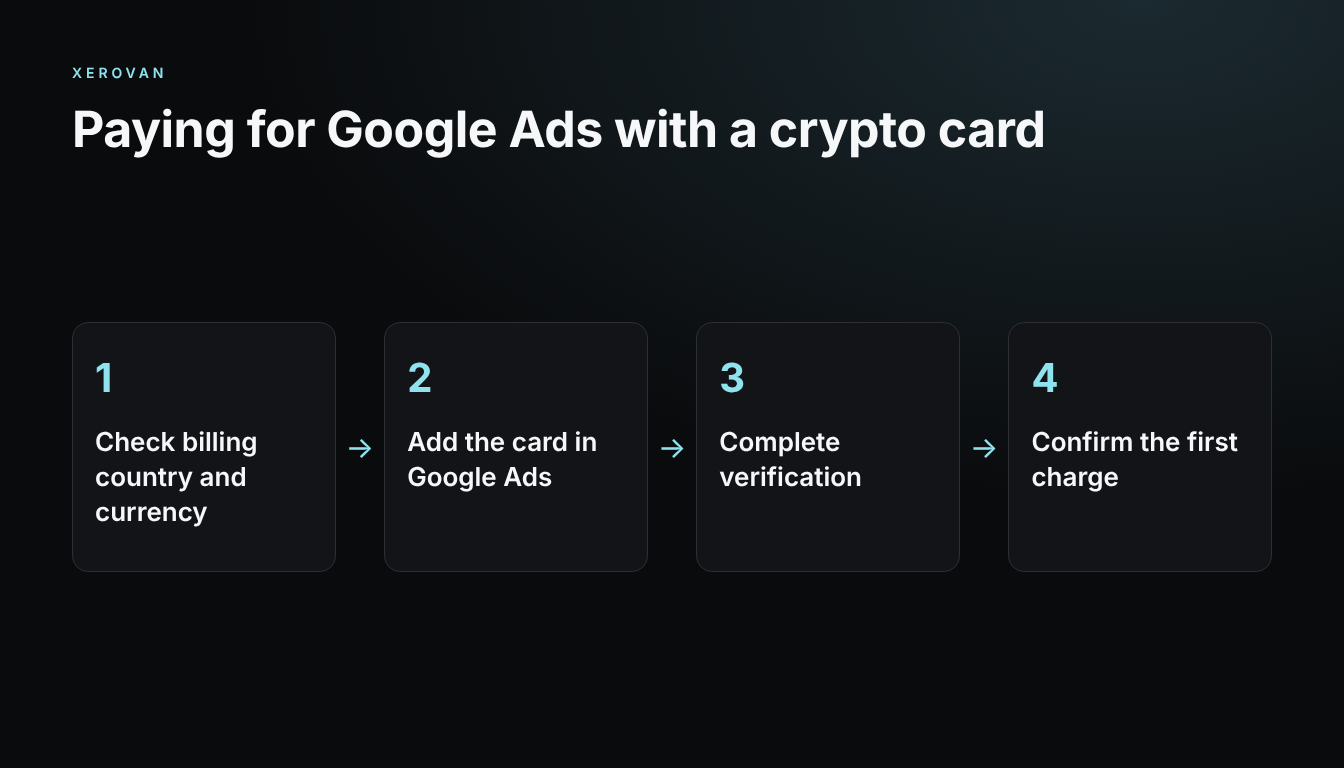
Four steps
- Check billing: confirm your billing country, currency and available payment settings.
- Add the card: enter the details exactly as registered.
- Complete verification: finish any request from Google or your card issuer.
- Confirm the first charge: start with a small campaign and check the amount debited.
Costs to compare
Compare any FX markup, foreign transaction fee, card fees and crypto conversion costs. Use the final amount debited for the same invoice instead of an advertised rate.
If the charge is declined
Check your balance and limit, card status, billing details, and whether online or international payments are allowed. Then look for a message in Google Ads billing. If the account itself is under review, a new card may not help.
Paying with Xerovan
Xerovan lets you issue a virtual Visa card for each client or campaign and pay with supported crypto. Google and the issuer still decide whether a charge is approved. See virtual cards for ad spend or read the guide for media buyers.
Note: This article is general information, not financial or legal advice. Xerovan is not a bank; card and payment services are provided by licensed partners. Availability and fees vary by country, and merchants and issuers decide whether to approve a payment. Digital assets involve risks, including price volatility, network disruptions and possible loss of funds.